Most solar panel problems don't announce themselves with smoke or sparks — they show up as quietly reduced output that's easy to miss until you actually measure something. A basic multimeter, the same $15–30 tool used for household electrical work, is enough to catch the vast majority of panel issues in the field: dead cells, corroded connections, cracked cells, or a panel that's simply underperforming its rated spec.
What you'll need
- A digital multimeter capable of reading DC voltage up to at least 50V and DC current up to at least 10A (check your panel's spec sheet first — high-power panels may exceed a basic meter's current range)
- Insulated test leads with alligator clips or probes, rated for the voltages involved
- Insulated gloves (recommended, especially for larger arrays or bright daylight testing)
- The panel's datasheet or rating label, for comparison against your readings
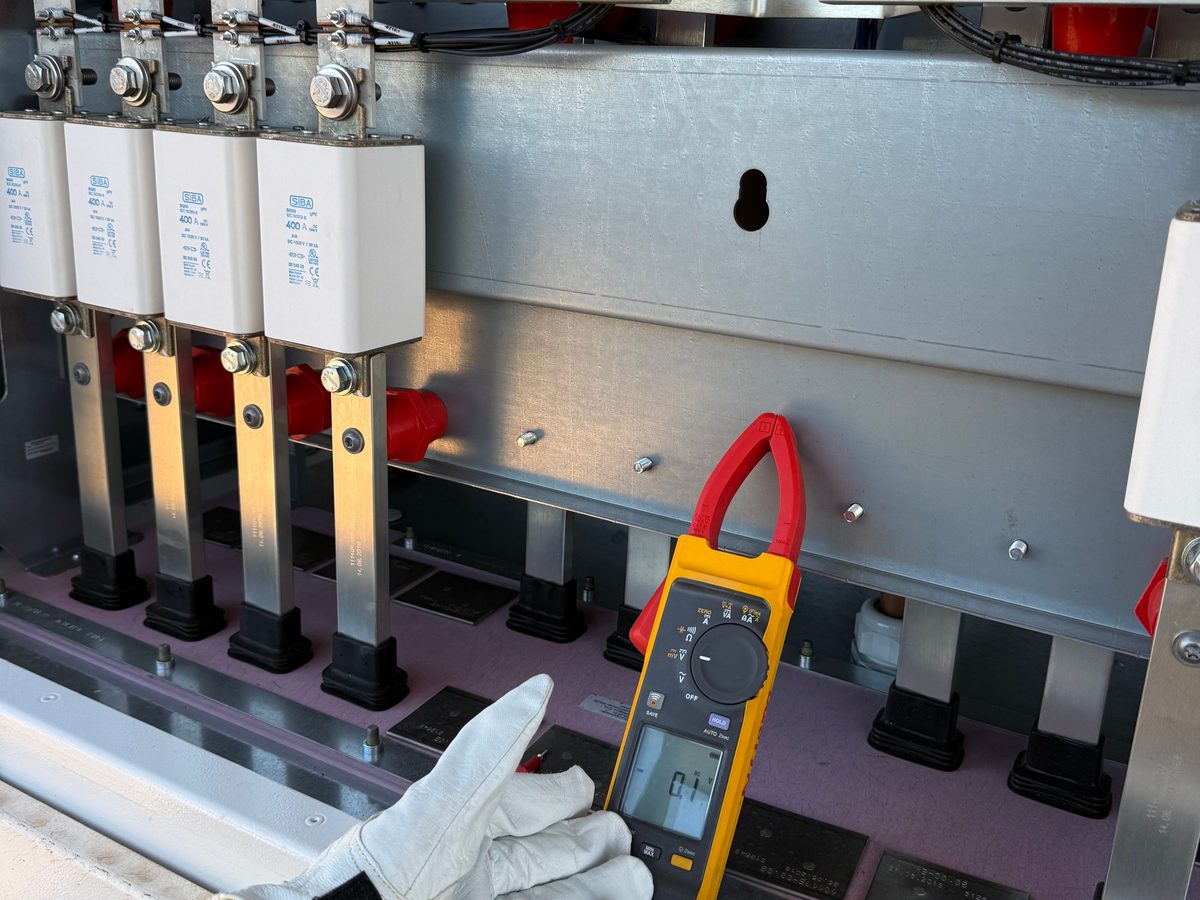
While commissioning a 12kW system, it was time to check the string voltage with a multimeter, and the reading came back wrong compared to the calculated value. We tested each panel individually and found that one panel wasn't producing any voltage at all — the cause turned out to be a fault inside its junction box. The panel was replaced and the string returned to its correct voltage.
Step 1: Read the panel's rating label first
Before touching the multimeter, find the panel's rating label (usually on the back) and note three numbers: Voc (open-circuit voltage), Isc (short-circuit current), and Vmp/Imp (voltage and current at maximum power point). These are your reference numbers — every measurement below gets compared against them.
Step 2: Measure open-circuit voltage (Voc)
- Disconnect the panel from any load, controller, or battery — it should be completely isolated, with only the panel's own leads exposed.
- Set the multimeter to DC voltage, on a range above the panel's rated Voc.
- With the panel in full, direct sunlight, touch the red probe to the positive lead and the black probe to the negative lead.
- Read the voltage. It should be close to — sometimes slightly above — the panel's rated Voc, since Voc is typically measured at 25°C and rises somewhat in cooler conditions.
A reading significantly below rated Voc (more than roughly 5–10% low) under strong, direct sun points to cell damage, a bad connection inside the junction box, or a failing bypass diode.
Step 3: Measure short-circuit current (Isc)
- Set the multimeter to DC current (amps), on a range above the panel's rated Isc — this step requires more caution than the voltage test.
- With the panel still disconnected from any load, briefly connect the red probe to the positive lead and the black probe to the negative lead, completing a direct short through the meter.
- Read the current immediately, then disconnect — don't leave the meter connected longer than needed to get a stable reading.
Isc should track closely with sunlight intensity — full, direct midday sun should get you close to the rated figure; hazy conditions or a low sun angle will read proportionally lower, which is normal and not a fault.
When measuring current, pay close attention to polarity, and make sure to follow general safety precautions — the same meter that measures voltage is also what you'll use to measure current, so treat the leads and connections with the same care both times.
Step 4: Compare readings against the datasheet
| Measurement | Healthy result | Possible problem indicated |
|---|---|---|
| Voc reads normal, Isc reads low | — | Partial shading, dirt/soiling, or a failing bypass diode |
| Voc reads low, Isc reads normal | — | Cracked cells or internal cell damage |
| Both Voc and Isc read near zero | — | Open circuit — broken internal wiring or a fully failed junction box connection |
| Both readings match the datasheet within ~5% | Panel is healthy | — |
Testing a string of panels
To isolate a single underperforming panel in a series string, measure each panel individually rather than the whole string at once — a weak panel's effect gets averaged out and hidden when you only measure total string voltage. Disconnect the string, then test each panel's Voc one at a time; the one reading noticeably lower than its neighbors is your suspect.
Safety notes
- Never perform a short-circuit current test on a panel indoors or with makeshift wiring — always use proper insulated test leads rated for the current involved.
- Cover the panel with an opaque sheet before connecting or disconnecting leads if you want to work without live voltage present, then uncover it once connections are secure.
- For arrays wired in series, be aware that string voltage can reach into hazardous DC territory (100V+) even though a single panel's Voc feels low — always know what you're actually measuring before touching anything.
String voltage adds up fast — plan it safely with the string sizing calculator. If a panel is underperforming, it may be normal age-related decline; our panel lifespan guide explains what to expect. To size a healthy array from scratch, use the panel calculator.
Frequently asked questions
Can I test a panel on a cloudy day?
Yes, but expect proportionally lower current (Isc) readings — voltage (Voc) is less affected by cloud cover and remains a more reliable cloudy-day check.
Why does my multimeter show a different Voc than the datasheet?
Datasheet Voc is measured under Standard Test Conditions (25°C cell temperature, 1000 W/m² irradiance). Real outdoor conditions rarely match this exactly — cooler panels read slightly higher, hot panels read slightly lower. A few percent difference is normal.
Is a clamp meter better than a basic multimeter for this?
A clamp meter is safer and more convenient for current measurements on larger arrays, since it doesn't require breaking the circuit to insert the meter. For occasional single-panel checks, a basic multimeter is perfectly adequate.